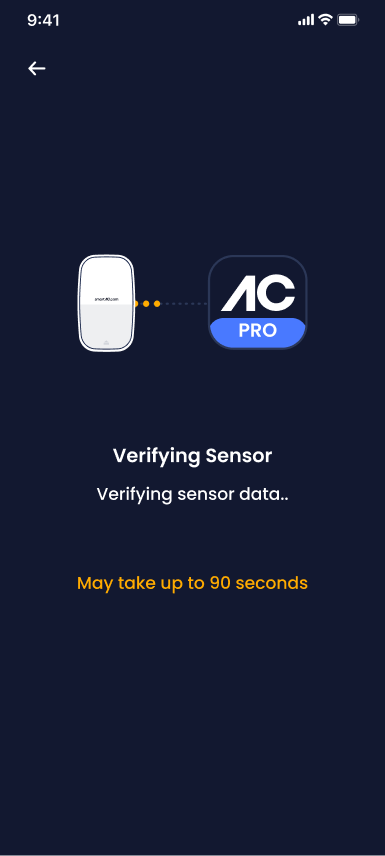
Using the Devices area in the SmartAC.com Pro App, ensure all SmartAC.com devices are currently online with green signal strength and battery level.
Access the Devices area from the Members page.
Select the Devices tab and scroll down to check each sensor's battery level and signal strength.
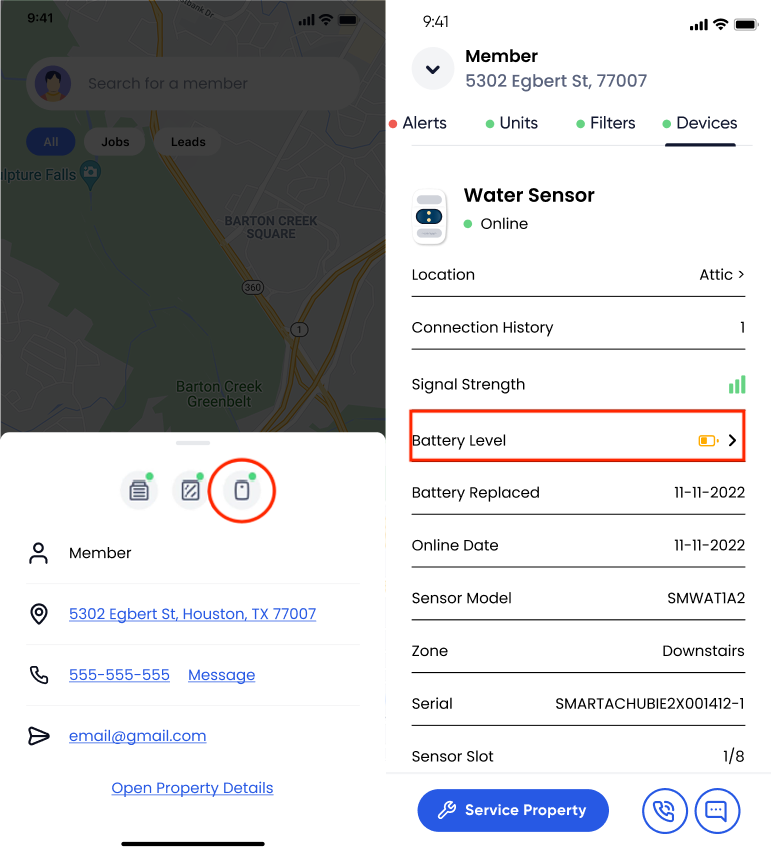
Identify the sensor by its listed location in the system (e.g., “Living Room” or “Main Office”).
From the sensor summary, select “Battery Level” to initiate the battery replacement process.
Follow the on-screen Battery Replacement steps, ensuring all batteries are replaced with new Energizer Lithium AA batteries. Alternatively, you may upgrade to Long-Life battery packs if desired.
Once completed, the system will verify that the batteries are correctly installed and confirm that the sensor is back online.